AI Mistakes
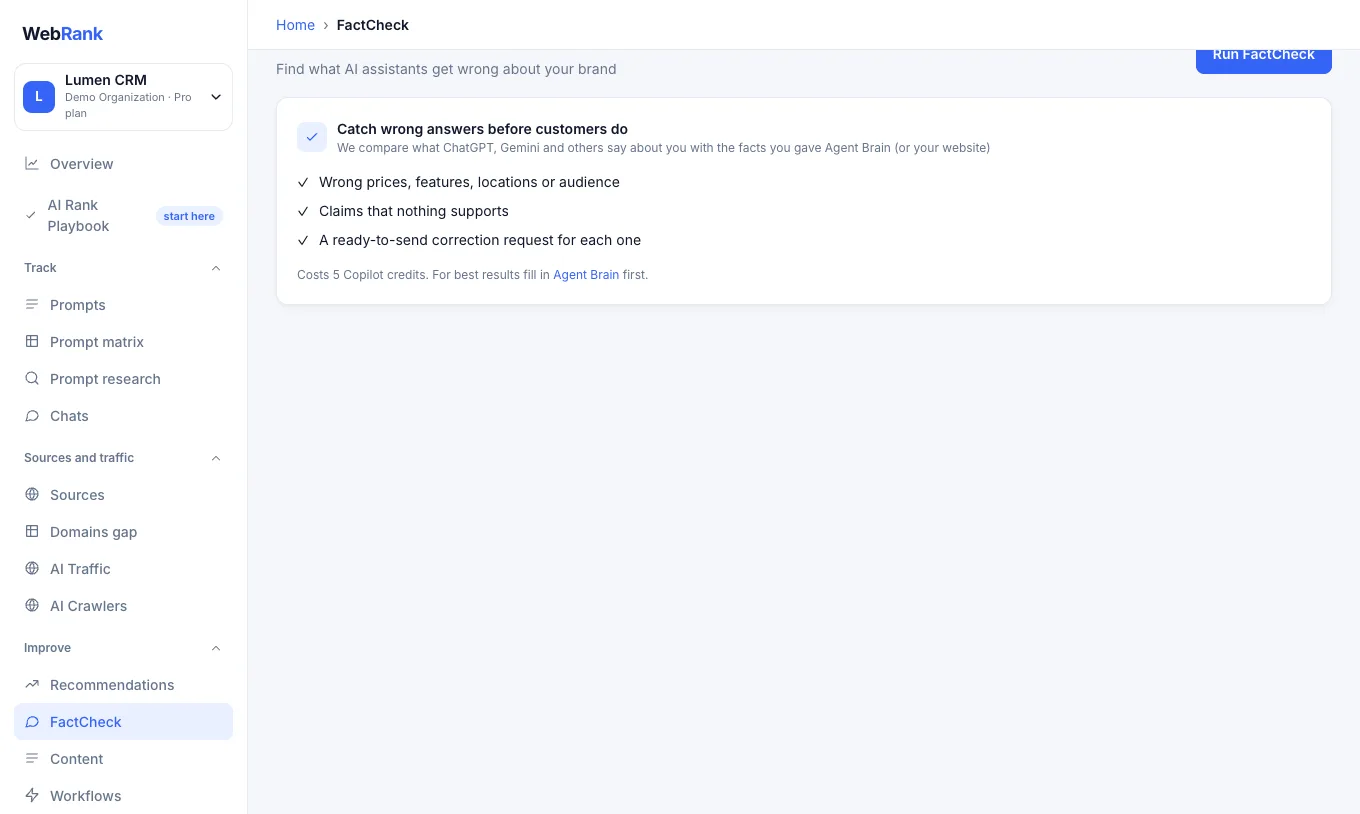
Assistants sometimes state wrong things about a company: a price that changed, a feature you do not have, a competitor's detail attributed to you. AI Mistakes finds those claims in the answers WebRank has collected.
How it works#
- WebRank picks the sentences in your collected answers that talk about your brand.
- It checks each claim against what your own website says (and against your Agent Brain facts, if you added them).
- Each claim is marked accurate, inaccurate or unsupported, with the reason and a suggested correction.
Use it#
- Open AI Mistakes and run a check.
- Review the issues. For each wrong claim you see the assistant, the question that produced it and what the correct statement is.
- Fix it at the source: update the page an assistant relies on, add a clear statement on your site, or correct the third-party page that has it wrong.
- Mark the issue resolved, and run the check again after the assistants have had time to pick up the change.
An AI Mistakes check uses Copilot credits from your plan.
Tip: Add your key facts (pricing, features, locations) in Agent Brain. AI Mistakes then has a reliable reference to compare against, and Content and Copilot use it so their output is accurate and on-brand.
Related#
- AI Rank Playbook: stage five covers fixing what AI gets wrong.
- Content and Workflows
Was something unclear or missing? Tell us. Last updated 2026-10-06.