Brands and Tags
Visibility is relative: it compares you with the brands WebRank tracks. Keep that list right.
Brands#
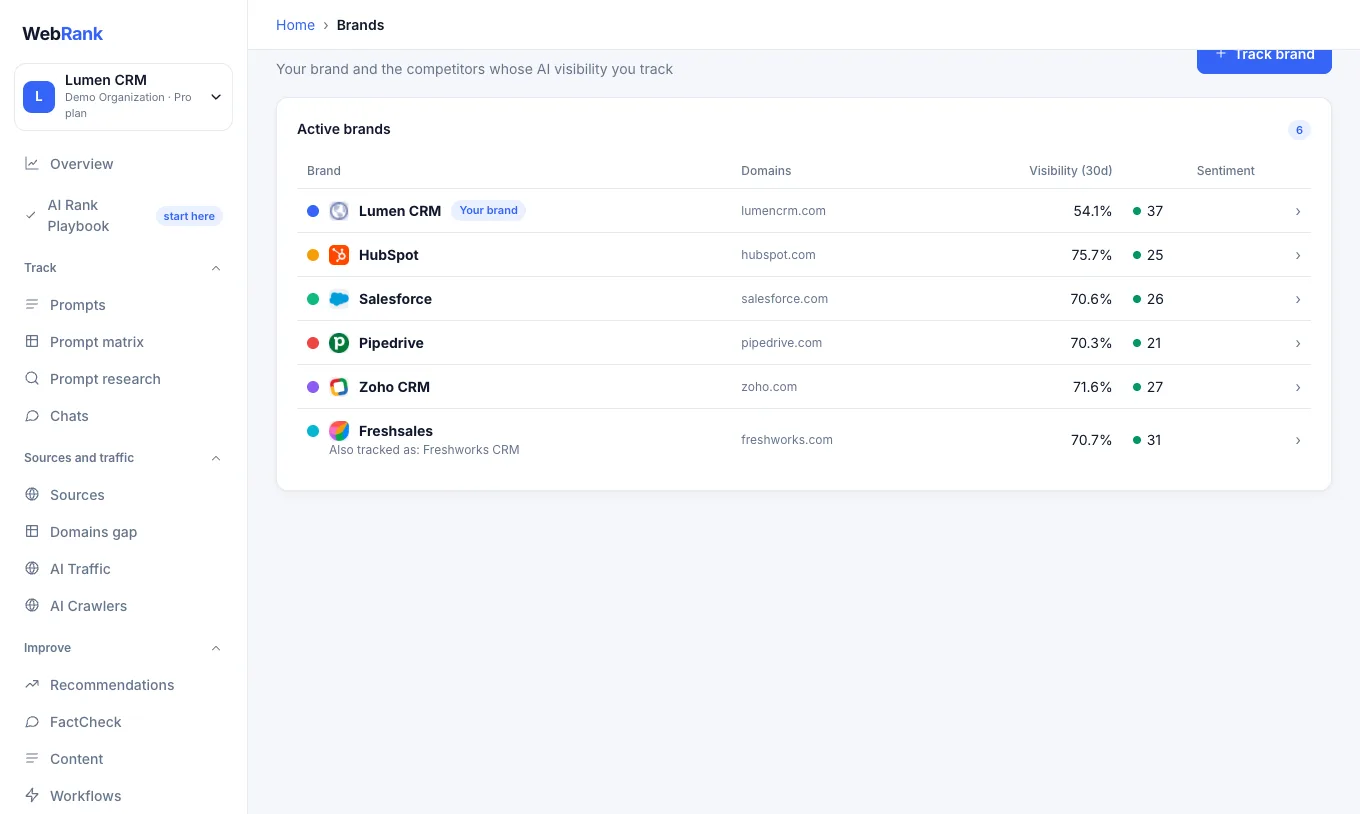
- Open Brands in the sidebar. The first entry is you, followed by your competitors.
- Choose Re-detect competitors from site to rebuild the list from your website. WebRank suggests the well-known companies assistants most often recommend in your field.
- Open a brand to change its name, aliases and domains. Add alternative spellings (for example "HubSpot" and "Hub Spot") so every mention is found.
- Add competitors you care about, and remove ones that do not belong.
Changing brands re-analyzes your stored answers, so past answers also reflect the update.
Tags#
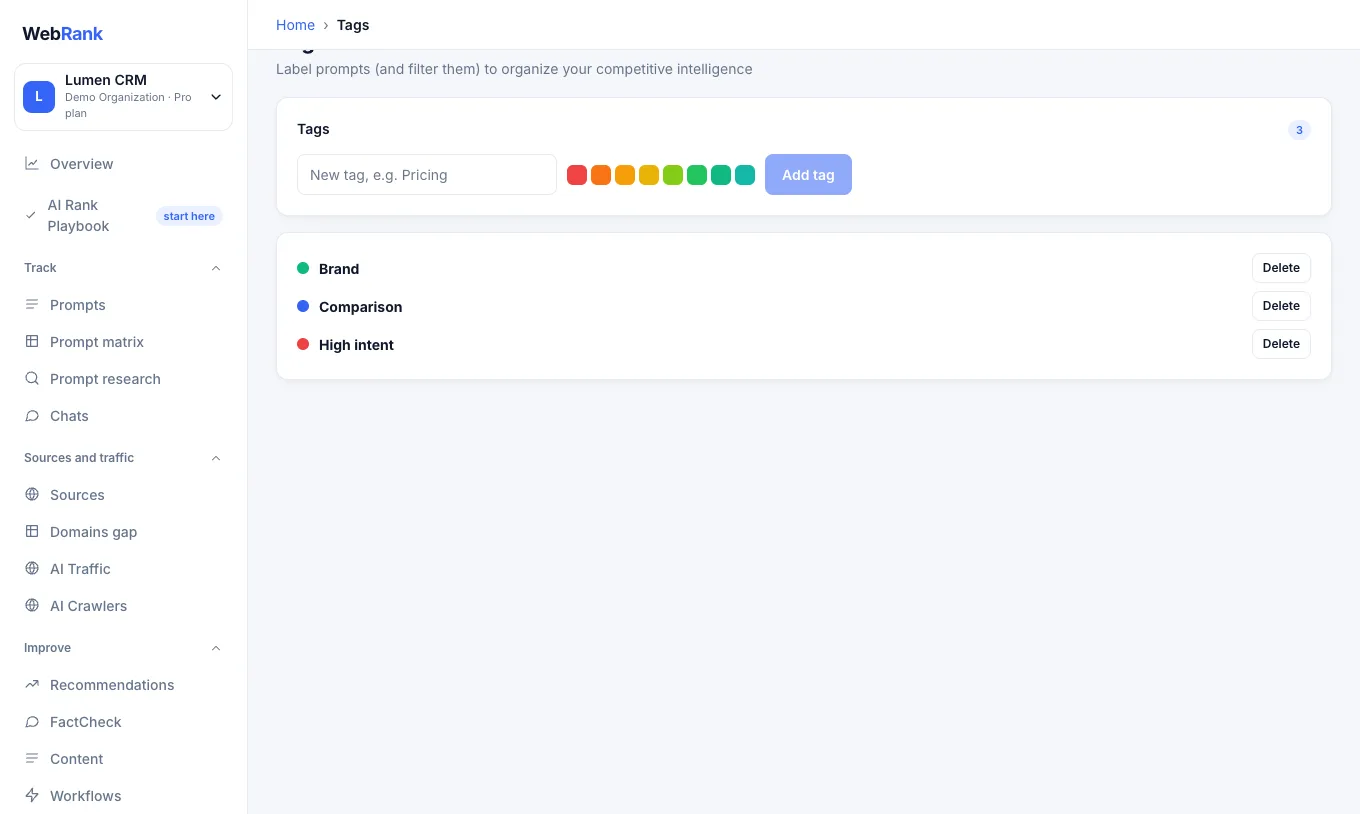
Tags label your prompts. Use them to group by product, funnel stage or market, and then filter any page by tag.
Related#
Was something unclear or missing? Tell us. Last updated 2026-10-06.