Quickstart
WebRank asks AI assistants the questions your customers ask, records which brands they recommend, and shows where you stand. This page takes you from sign-up to your first results.
Before you start#
You need a website to track and an email address. Every plan starts with a 3-day free trial. A payment card is required to start it, you are charged only when the trial ends, and you can cancel before then and pay nothing.
Set up your account#
- Open webrank.si and choose Continue with Google, or sign up with your email and a password.
- If you signed up with email, open the confirmation message from
no-reply@webrank.siand click the link. Check your spam folder if it does not arrive, and use Send again on the confirmation screen. - Choose Starter or Pro and enter your card to start the free trial. We email you about a day before the trial ends.
- Enter your website address, for example
example.com. You do not needhttps://.
What happens next#
WebRank reads your website to find your brand name, your category and the well-known companies assistants most often recommend in your field. It then writes a first set of questions buyers might ask, and asks them to ChatGPT, Gemini, Claude and Perplexity.
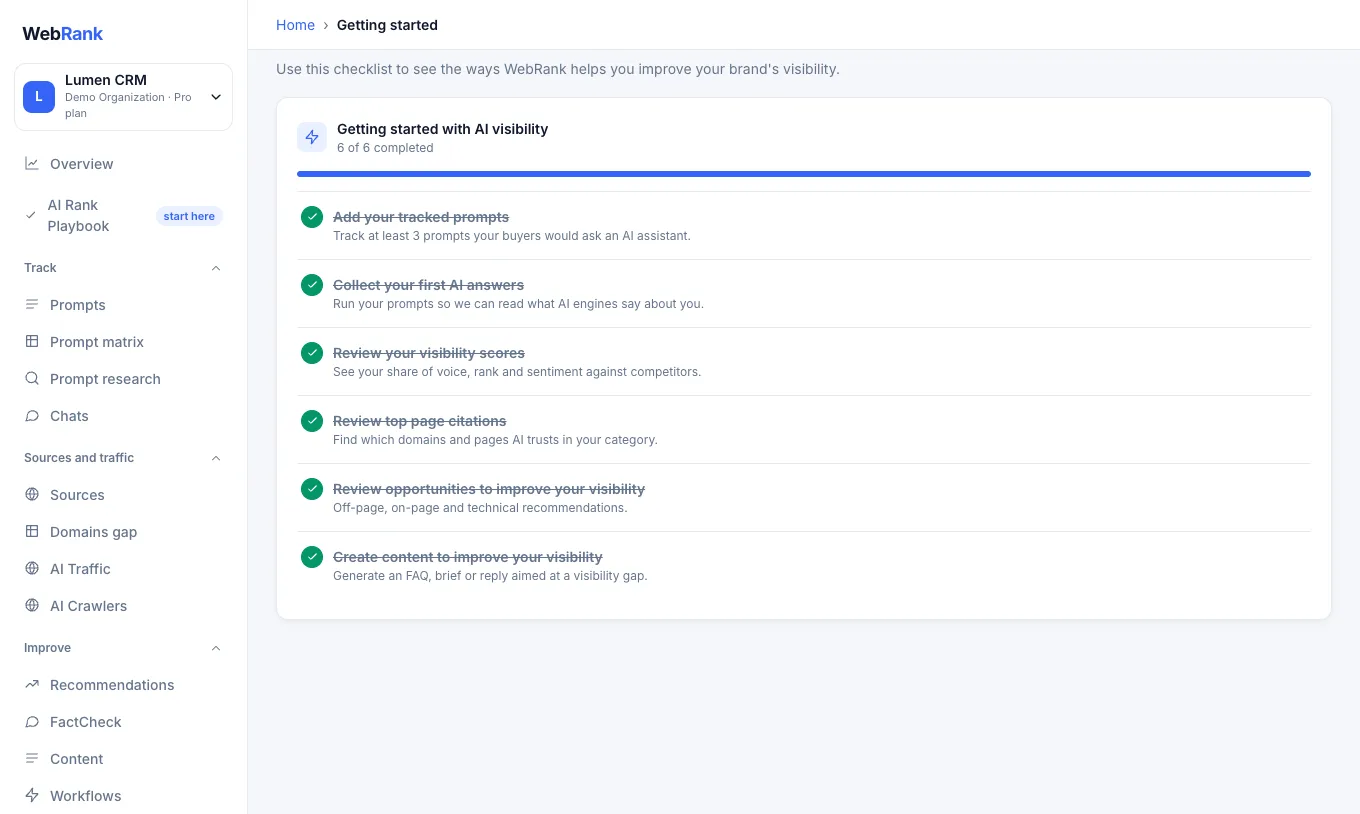
The first answers arrive within one to three minutes. While you wait, the Overview shows a progress message and fills in by itself.
Read your first results#
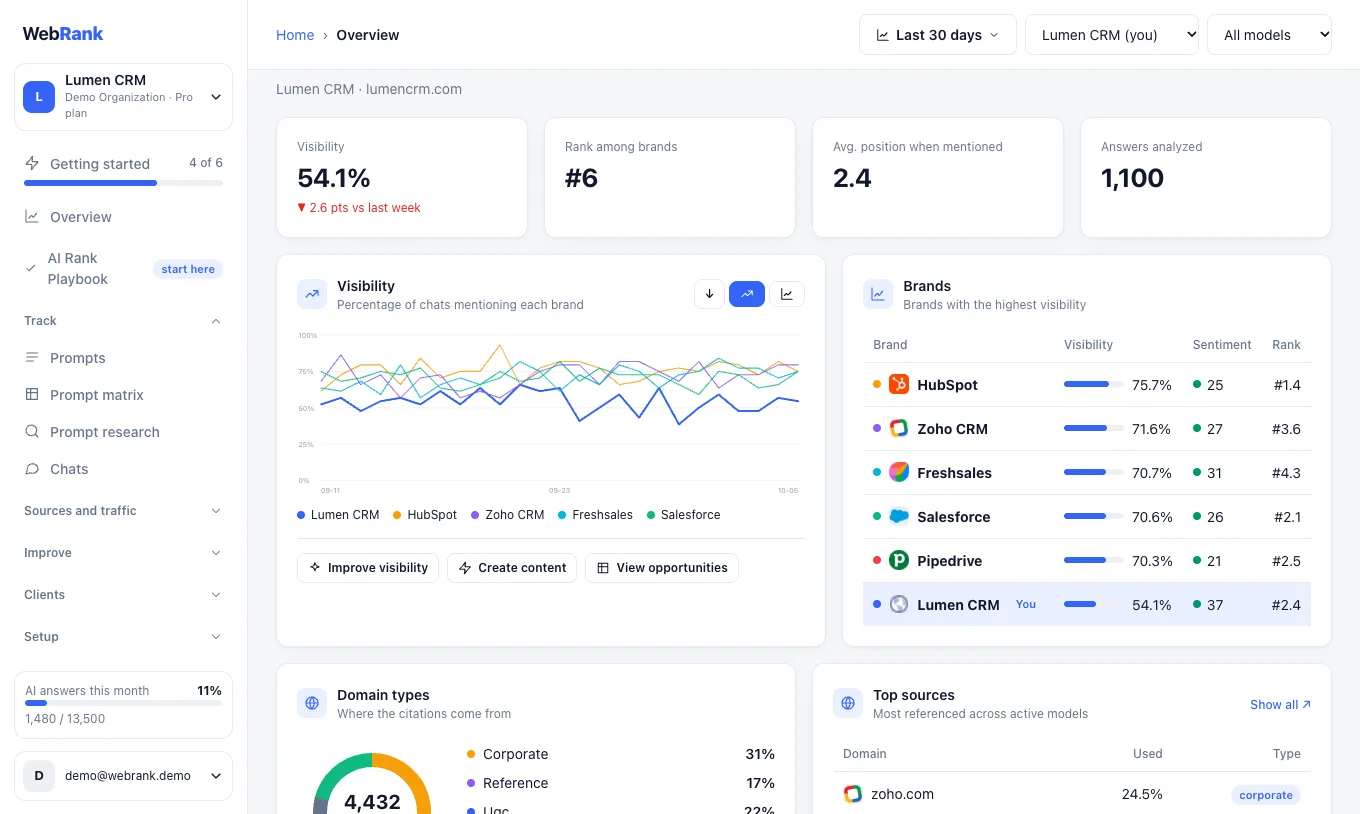
Open Overview. The four numbers at the top are the quickest summary:
- Visibility is the share of AI answers that mention your brand.
- Rank among brands is your position compared with the competitors WebRank tracks.
- Average position is where you appear inside an answer when you are mentioned (1 is first).
- Answers analyzed is how many answers the numbers are based on.
Tip: A low or zero visibility on a new account is normal. It tells you where you start. The AI Rank Playbook turns it into a list of things to do.
Next steps#
- Open the AI Rank Playbook and complete the first stage.
- Review your prompts: keep questions a buyer asks before knowing any brand.
- Check your competitors and add anyone missing.
- Learn what each number means in Reading your results.
Was something unclear or missing? Tell us. Last updated 2026-10-06.