Content and Workflows
Assistants quote clear, factual answers. Content helps you write new pages and improve existing ones in that form. Workflows run multi-step jobs for you, such as research or reports.
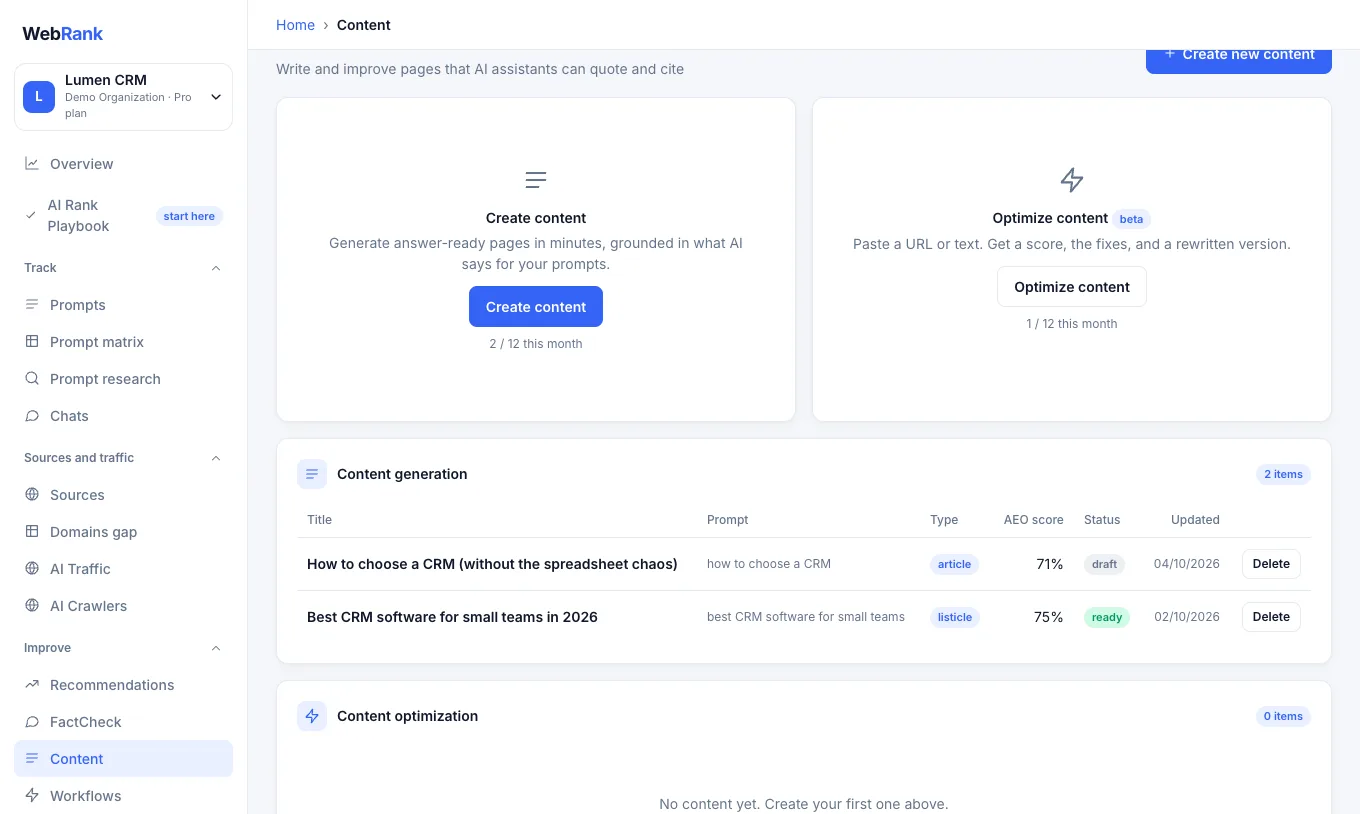
Create content#
- Open Content and choose Create new content.
- Choose a format, and the prompt it should win, so the page answers a question buyers really ask. Smart Suggestion lets WebRank pick the format that fits.
- Generate it. A draft takes about 20 to 60 seconds. Review it in the editor, add facts only you know, and replace any placeholders such as
[ADD: …]. - Publish it on your own website. WebRank does not publish for you.
Optimize existing content (beta) takes a page you already have, from its address or pasted text, scores it and rewrites it so assistants can quote it more easily.
Warning: AI-generated text can contain mistakes. You are responsible for checking facts, names, prices and claims before you publish.
Articles and optimizations are limited per month by plan. See Plans and limits.
Workflows#
A workflow is a set of steps you control that automates research, content or reporting. WebRank includes ready-made helpers such as an FAQ builder, a content brief writer and a forum reply drafter.
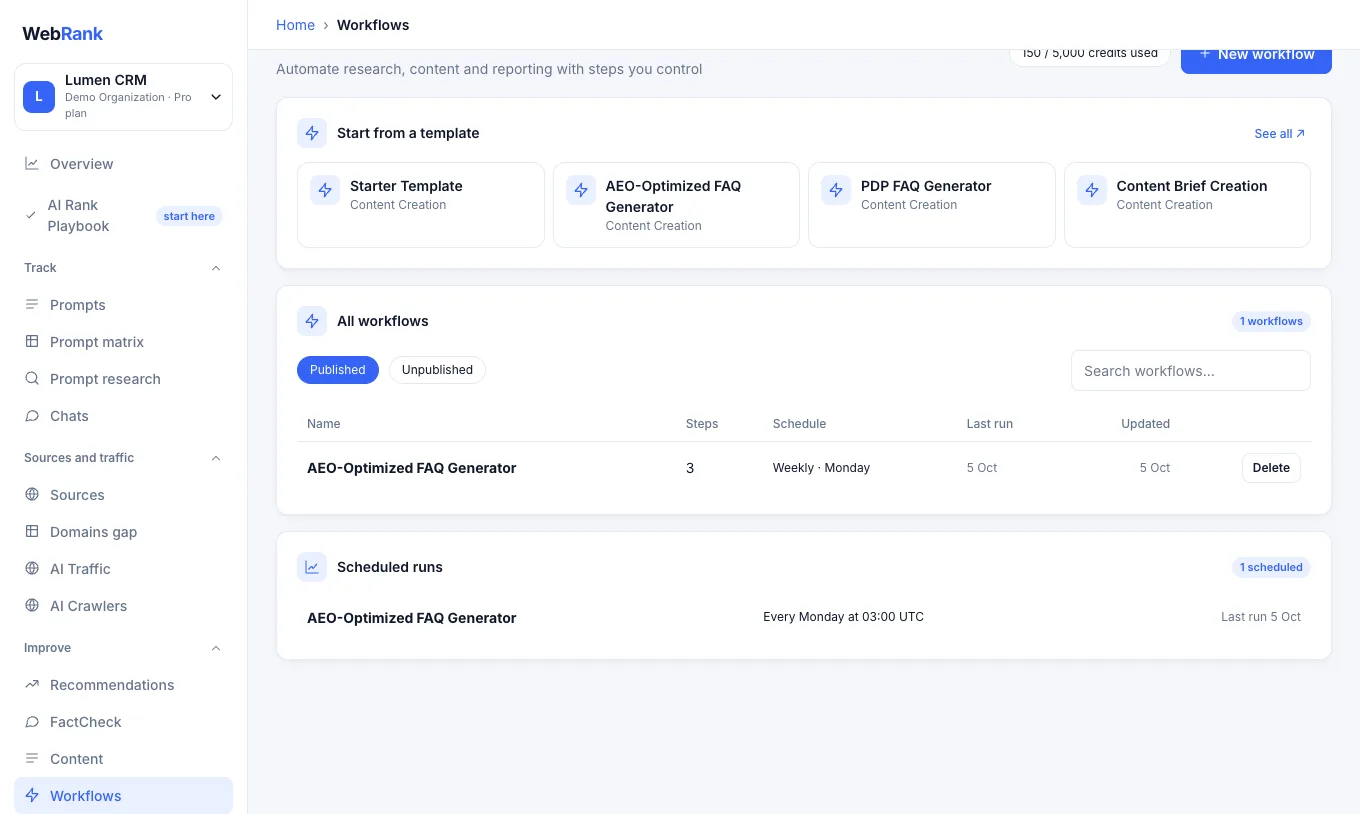
- Open Workflows and start from a template, or build your own.
- Fill in the inputs and run it. Each run shows the output of every step.
- Optionally schedule a published workflow to run daily or weekly.
A run costs workflow credits (at least 25), and only the steps that ran are charged.
Make the output accurate#
Add your key facts in Agent Brain. Content, Copilot and pitches use them, so the text matches your pricing, features and tone. Copilot (beta) is a chat assistant that can answer questions about your data and run common tasks. Each message costs one Copilot credit, and larger commands cost more.
Related#
Was something unclear or missing? Tell us. Last updated 2026-10-06.