Reports and sharing
Agencies and in-house teams need to show results to someone else. WebRank gives you a PDF report, a shareable link, and a way to audit a company you want to win as a client.
PDF reports#
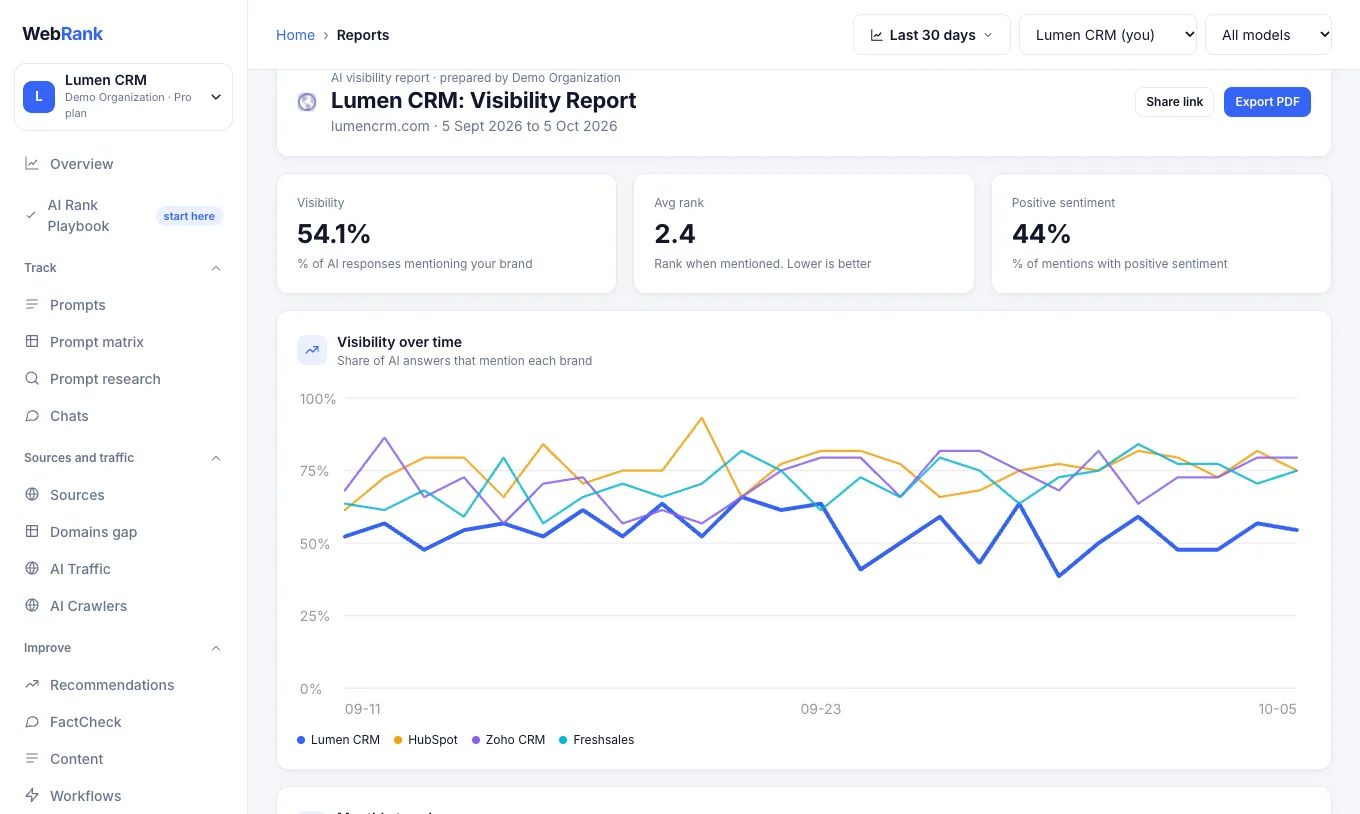
- Open Reports and choose the period.
- Choose Export PDF. Set who prepared it, the client name and any notes, and tick the sections to include: visibility over time, a monthly trend, prompts and brands.
- A white-label option removes WebRank branding for client work.
- Save the result as a PDF from the print dialog.
Share a dashboard link#
On the Reports page choose Share link. In the dialog you can add a label (for example "Acme monthly review") and create a link to a read-only dashboard for the period you are viewing. Each link appears in a list where you can Copy it or revoke it. Anyone who has a link can see the dashboard until you revoke it, so share it only with people you trust.
Pitches#
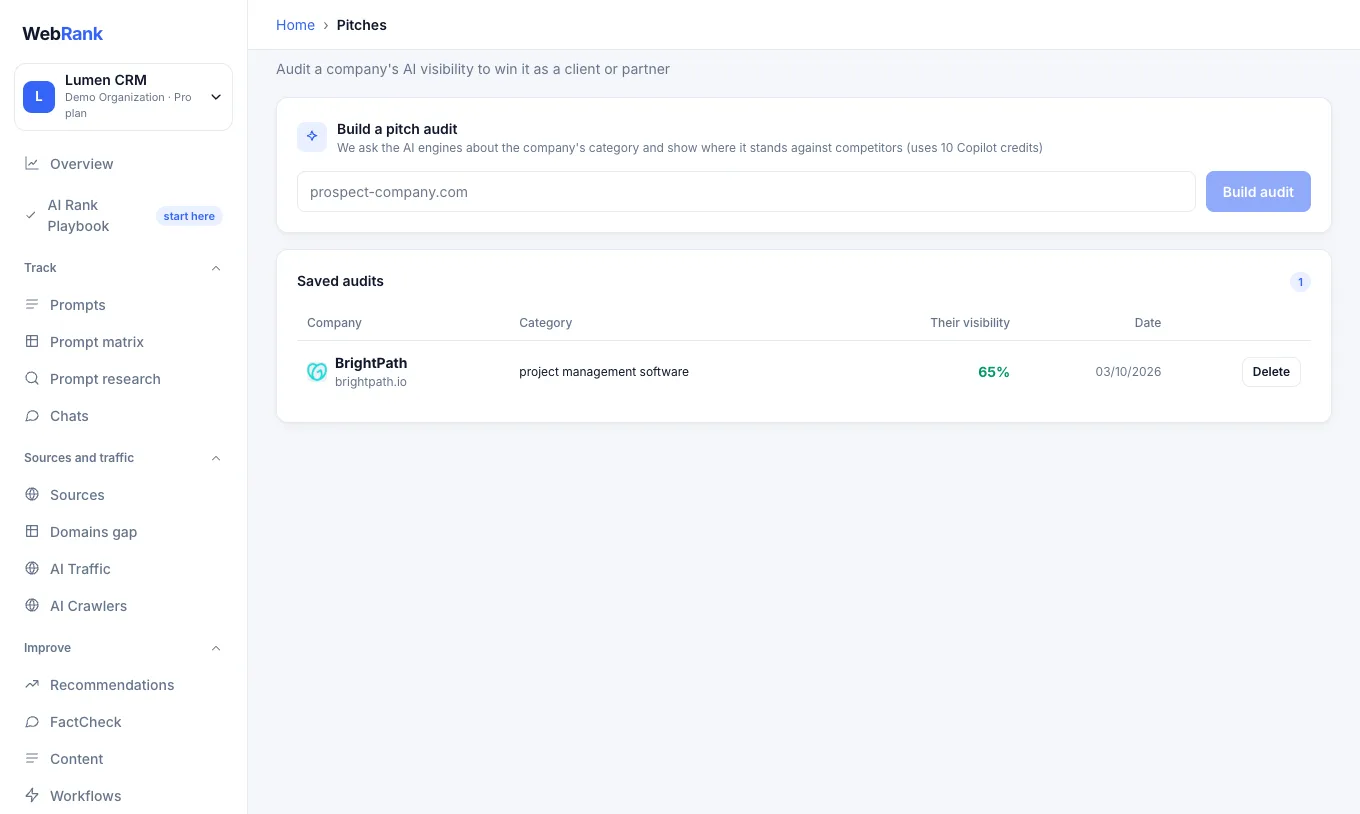
Pitches audits any company's AI visibility so you can win it as a client or partner. Enter the company's website, for example prospect-company.com, and choose Build audit. In about 30 seconds WebRank asks the assistants about that company's category and shows where it stands against its competitors. Each audit uses 10 Copilot credits.
Related#
Was something unclear or missing? Tell us. Last updated 2026-10-06.