Teams and roles
Organizations and workspaces#
An organization is your account. It holds your plan, your billing and your team. A workspace is one website you track. A plan includes unlimited workspaces and team members, and usage limits are shared across the organization.
Invite teammates#
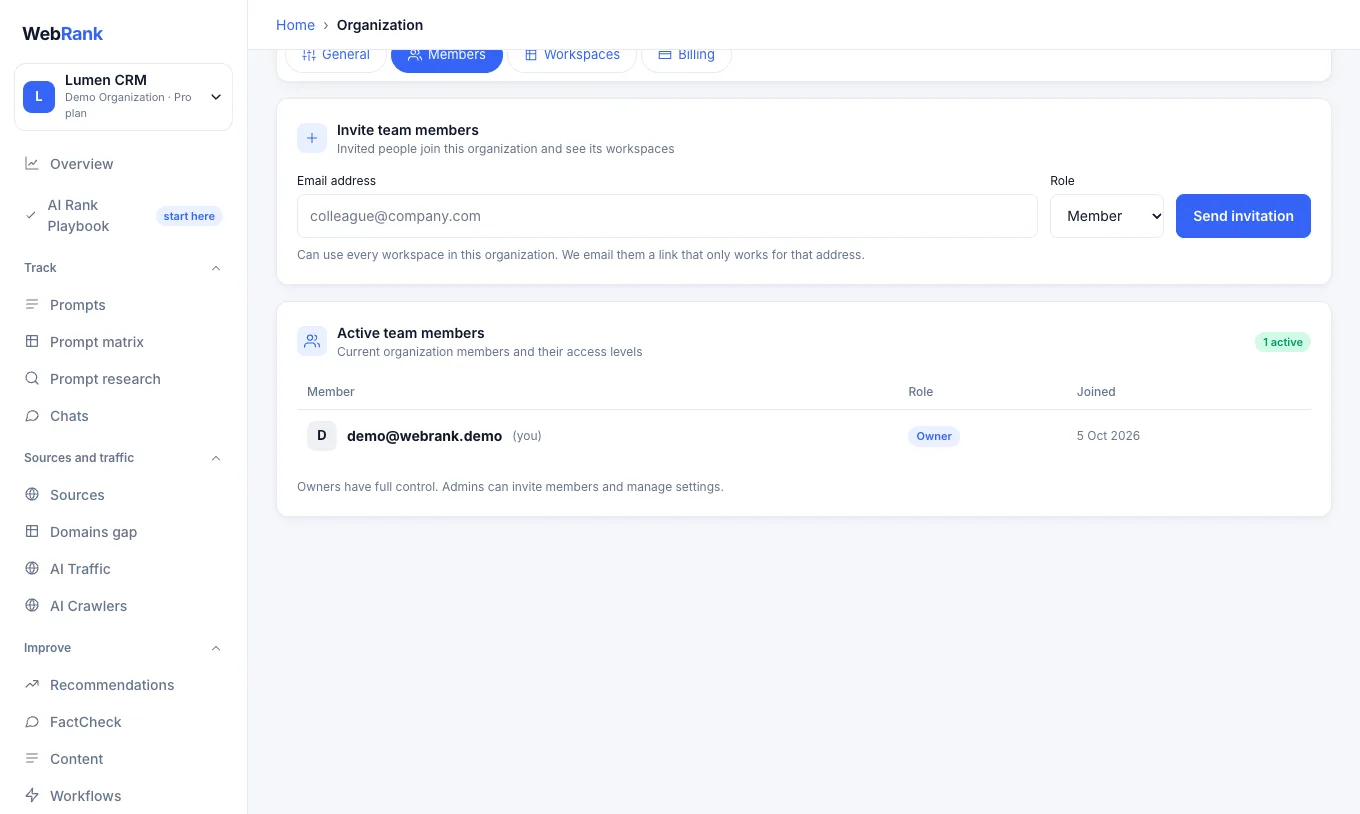
- Open Organization settings and choose the Members tab.
- Enter your colleague's email address, choose a role and press Send invitation.
- We email them a link that works only for that address. Invitations can be resent or cancelled from the same page.
Invited people can use every workspace in the organization.
Roles#
| Role | Can do |
|---|---|
| Owner | Everything: billing, roles, settings, members and workspaces. There is one owner and the owner cannot be removed. |
| Admin | Invite members, change organization settings and delete workspaces. |
| Member | Use the dashboards, prompts, content and reports. |
Only the owner can change roles and manage billing.
Agencies and clients#
Create one workspace per client website. Use Reports to send each client a PDF or a read-only dashboard link, and Pitches to audit companies you want to win.
Related#
Was something unclear or missing? Tell us. Last updated 2026-10-06.